Bitcoin payment
Choose your plan amount, then send the matching Bitcoin amount to the wallet below.
$20
One group
$35
Complete set
bc1quzmufnwkkwyj4f6s02jghtczfzrljadlrhxyma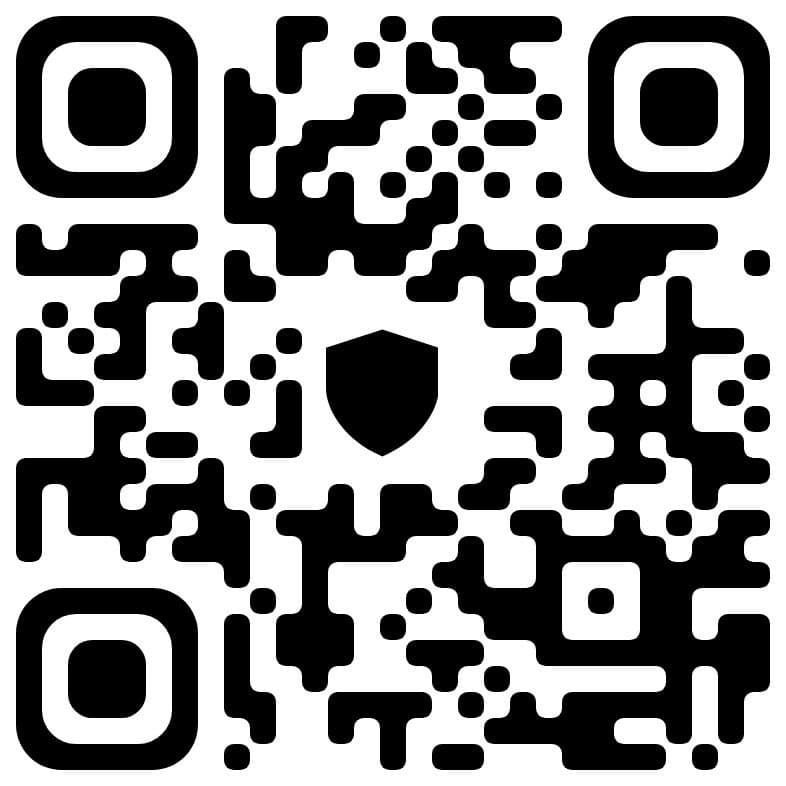
Use another crypto instead
Instructions
- 1Choose your amount — Pick the matching plan amount: $20 for one group or $35 for the complete set.
- 2Send Bitcoin — Copy the BTC address (or scan QR) and send the exact equivalent amount.
- 3Wait for confirmations — Network confirmations usually take 10-30 minutes.
- 4Confirm on Telegram — Contact us on Telegram and send your transaction confirmation.
Important: Double-check the wallet address and amount before sending. Bitcoin transactions cannot be reversed.
Need assistance? Contact us on Telegram

Use Telegram Wallet within Telegram to make a direct payment for the Premium.

Get the Premium by paying within Cash App, and get full access to the Premium.

Pay within the PayPal app or use a supported third party.

Pay within the Revolut app or use a supported third party.


Pay with Visa/Mastercard through one of our supported third parties.